From direct sources to file handoffs
WasteNot data sources started with APIs that could be imported by date range. That worked cleanly for systems where each record already mapped into the WasteNot event model.
We expanded that model with database and warehouse data sources, giving teams a flexible way to connect directly to the source with SQL.
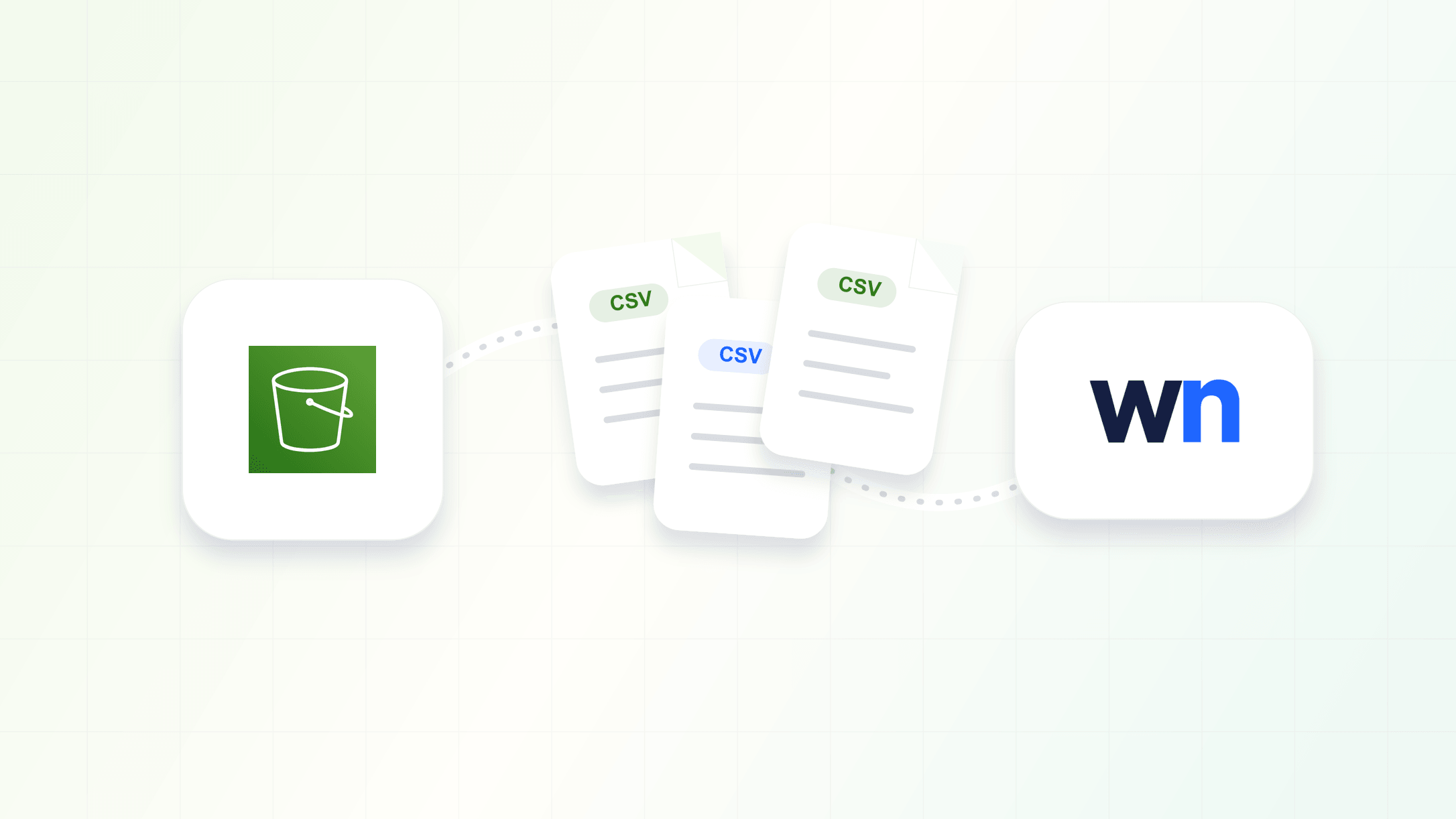
Some teams prefer a file handoff. Their data already lands in S3 as a scheduled export, or their data team wants an intermediate file layer between the source system and WasteNot. S3 imports support that workflow: connect a bucket, choose the stream path WasteNot should read, and import CSV files as event data for audience rules.
File imports with an event model
File-based imports carry more complexity than direct API or SQL imports. Rows can vary by source, failures need to point back to a specific file, and teams need a clear history of the files that shaped their audience data.
We kept the model opinionated. S3 files use the same event row shape as custom SQL query results, documented in the custom query guide. Events in WasteNot are immutable: a purchase stays a purchase, and a later refund should arrive as a refund event.
For more advanced file formats or import rules, reach out to the team. If we see enough of the same requests, we will keep building out configuration.
S3 setup uses AWS role access and a selected cloud region. The new S3 setup guide includes the policy details teams need when they configure access in AWS.
Imported file history
S3 stream pages now show the files WasteNot imported for that stream, giving teams a clear record of which source files have been processed.