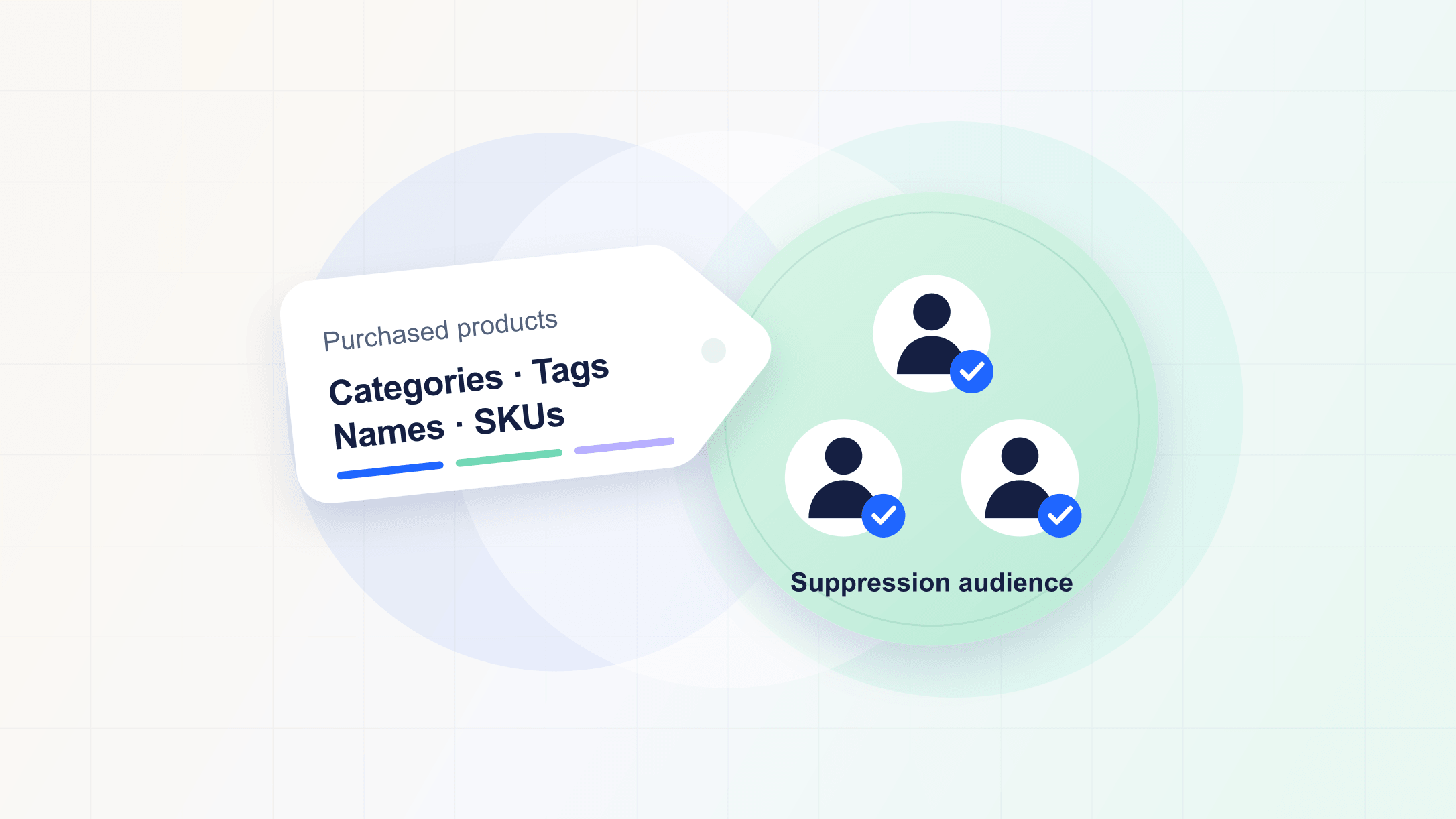
WasteNot can now use product categories, tags, item names, SKUs, and other order details to build more specific suppression audiences.
Rules for the products you advertise
Keep acquisition exclusions relevant to the products in your campaigns. An audience can now select customers who bought an item in a particular category or with a particular tag, match text in an item name, or check for any SKU in a selected list.
For example:
- Customers who bought an item in the "Haircare" category.
- Customers who bought an item tagged "skincare".
- Customers whose order included an item with "refill" in its name.
- Customers who bought any of a selected set of product SKUs.
These product details can be combined with purchase frequency and time windows, such as customers who bought an item tagged "skincare" in the last 90 days.
Contact our team to set up these advanced rules.
RB2B data source
Use visitors identified by RB2B in audience rules to keep recent website visitors out of acquisition campaigns. WasteNot syncs each visitor's latest visit, so your rules can account for how recently they visited.
Connect RB2B to start using identified visits in your audiences.
Breached-password alerts
WasteNot now checks the password you use to log in against known data breaches. If it finds a match, you'll receive an email letting you know and linking to your security settings to change it.
AI-readable help center
Our help center now serves articles as Markdown, making it easier for AI assistants to read and use WasteNot documentation. Share a help article with your assistant for help with setup and troubleshooting.